Webdesk Update
General
This article describes the steps required to update an older version of Webdesk to a Webdesk 4.x.
Webdesk versions older than 3.8 first require an update to the latest 3.8.x before a smooth update to 4.x is possible!
Webdesk is available in a 32-bit or 64-bit variant.
Steps in Detail
- In the Windows services, right-click "Webdesk Server Service" and stop it

- Double-clicking setup-xxx-xxbit.exe starts the update
- Select language

- The welcome screen appears --> Next
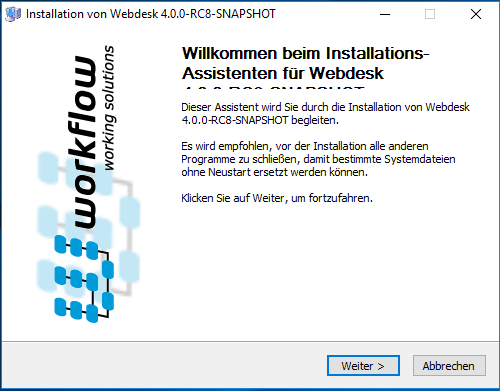
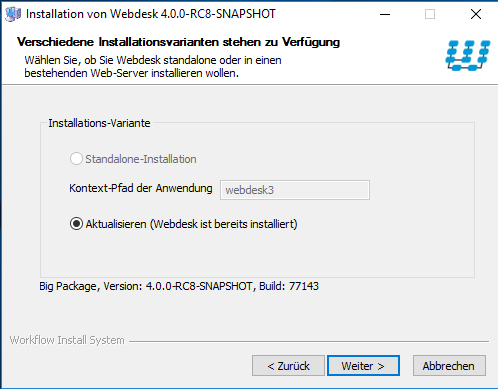
- Installation variant: Update (Webdesk is already installed) is already selected, then Next
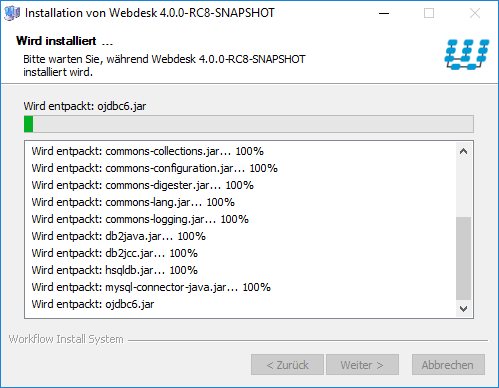
- The update is carried out
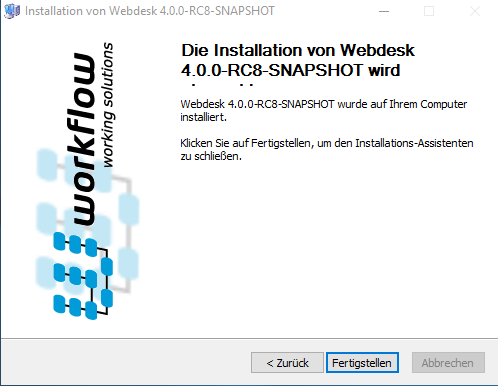
- Installation completed successfully!
"Start Webdesk" and "Start web browser for Webdesk" are already checked, then Next
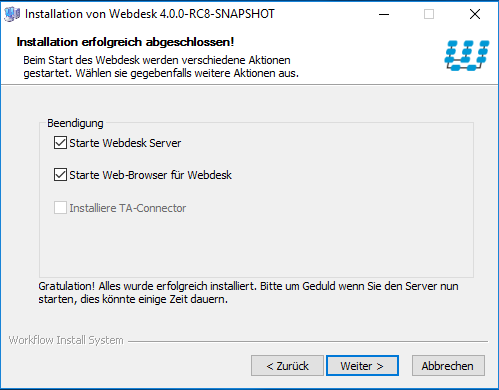
- Close the installation summary with Finish
- At the same time, the web browser opens Webdesk