Webdesk TA Connector
General
This article describes the steps required to install a Webdesk TA Connector, which provides the connection between Webdesk and the Interflex 6020 system.
Steps in Detail
File used for the installation: setup-tacon-xxxx-xxbit.exe
- Double-click to start the installation
- Select language, then click "OK"
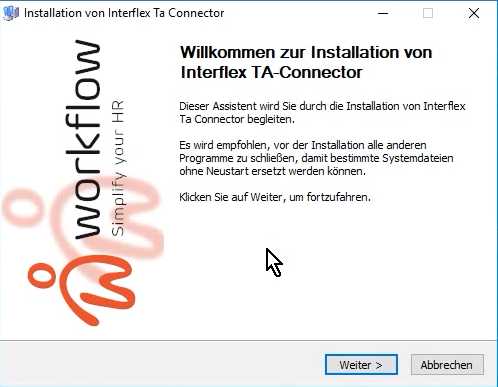
- Welcome to the wizard --> Next
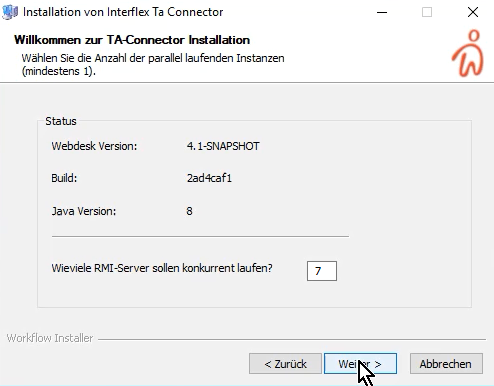
- How many RMI servers should run concurrently: "7" is preset (the higher the value, the more simultaneous requests can be processed), then Next
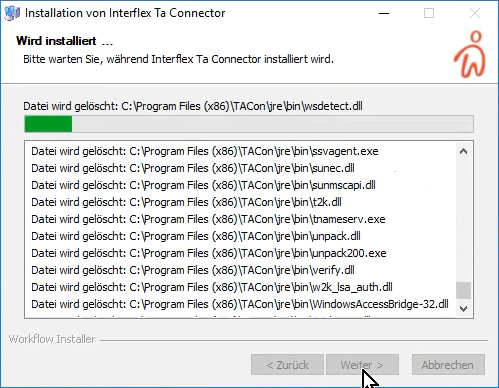
- Interflex TA Connector is installed
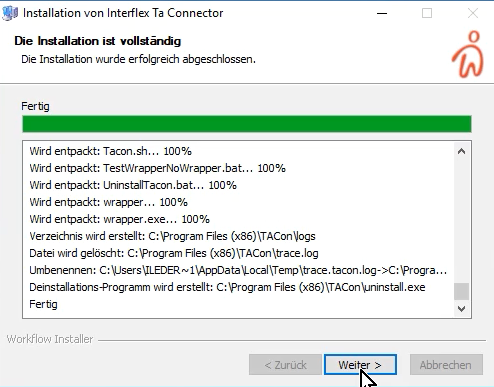
- Installation finished --> Next
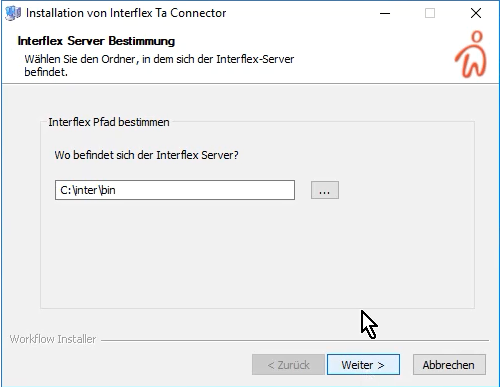
- Interflex server location:
Where is the Interflex server located? Enter the path here using the chooser or by direct input
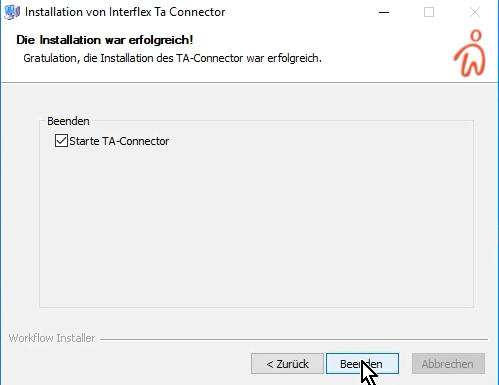
- Finish - leave the checkbox "Start TA Connector" checked - Finish
- In the Windows services, check whether Webdesk TA-Connector for IF6020 has started automatically; if not, change it