Collective Time Correction
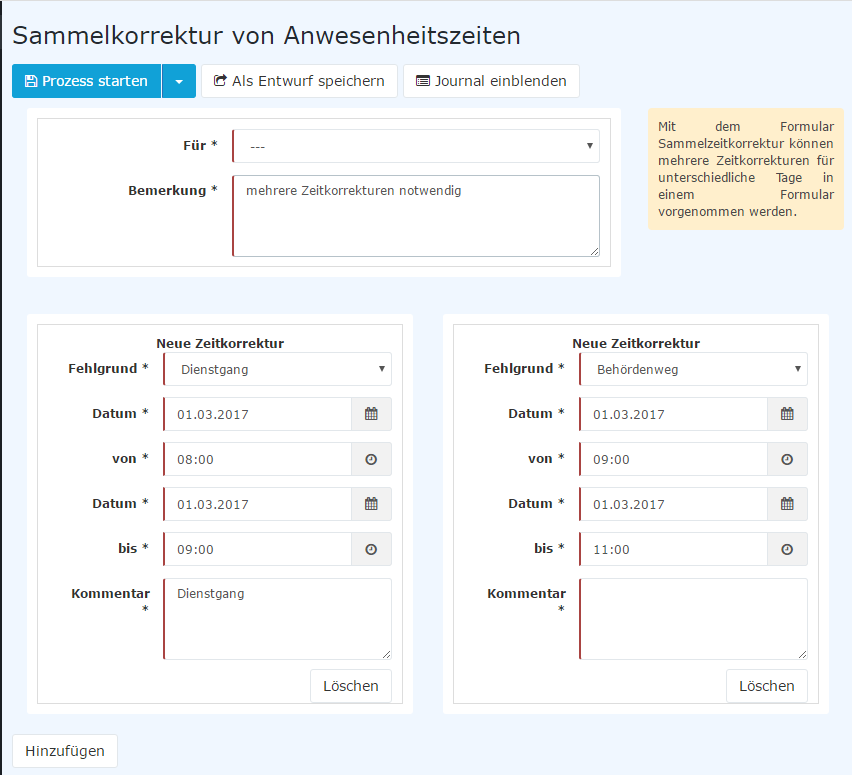
With the Collective Time Correction form, several time corrections for different days can be made in one form.
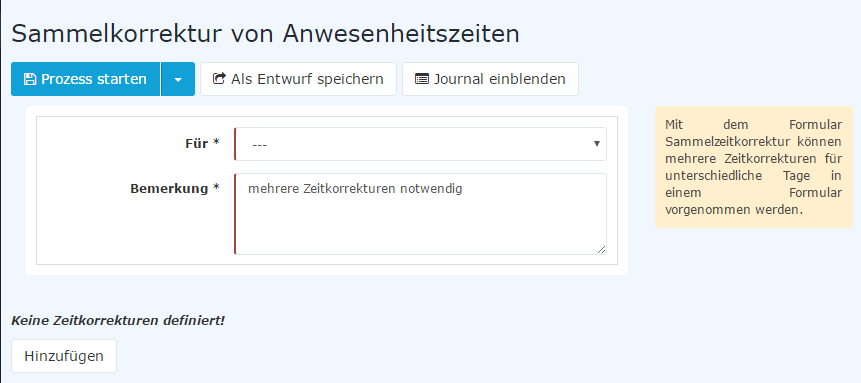
The user fills in the comment field. Under "Time corrections", a first correction row with absence reason, date and time from-to is already present.
Each click of the "Add new" button adds another correction row; a row can be removed again with "Delete".
The date and period of the correction booking are entered in the form, and the desired absence reason is selected from the context menu.
In this way, you can fill in the desired number of time corrections one after the other.
Depending on the configuration, each row additionally has a comment field and an end date for time corrections past midnight.
The "Show journal" button (the monthly journal is displayed) serves here as a possible aid when filling out the request.
- The request process can be started immediately by clicking the "Start process" button.
- You can also save the request as a draft.
The exact procedure is described in the chapter "Application Forms".